Migration
Keep your business. Drop the servers.
Move your self-hosted store to Onix. Your catalogue, customers and balances come with you — the maintenance burden doesn’t.
What changes
Everything moves. Except the burden.
What moves with you
- Your catalogue, services and pricing
- Customers, resellers and their balances
- Order history and reports
- Supplier connections
- Your domain and branding
What stays behind
- Server rent and maintenance
- Security patching at 2 a.m.
- Version upgrades that break things
- Backup scripts and cron jobs
- Downtime windows
After the import
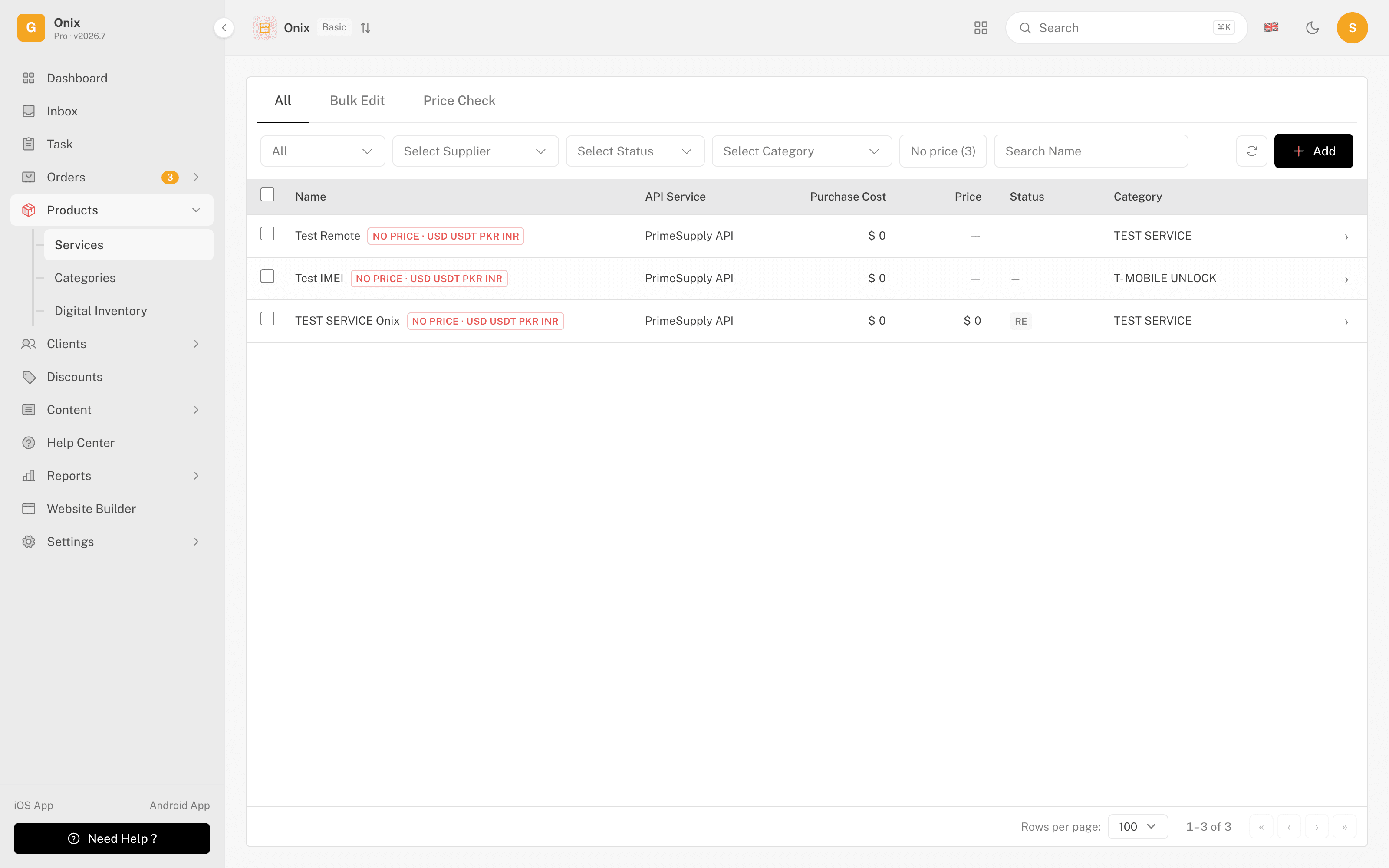
Your catalogue arrives ready to sell.
Services land grouped the way you had them — names, prices and delivery terms preserved, supplier connections re-linked, and everything synced from day one.
- Categories and service types mapped automatically
- Prices and margin rules preserved
- Supplier connections re-linked and health-checked
How it works
Three steps, zero drama.
Assess
We review your current store together and map exactly what moves — catalogue, customers, balances, suppliers.
Migrate
We bring your data into a parallel Onix store while your current one keeps running. Nothing is switched yet.
Go live
You test the new store, then point your domain when you're ready. Your old store stays untouched until you retire it.
A human runs every migration with you — no bulk-import roulette, no surprises on switch day.
After the move
What gets better. What stays familiar.
No maintenance, ever
Hosting, updates and backups are Onix's job now — your evenings are yours again.
Always current
New features arrive automatically. No version jumps, no upgrade projects.
Managed security
SSL, patching and monitoring handled around the clock.
Familiar from day one
Same catalogue, same customers, same domain — your buyers won't notice anything except the speed.
The questions every switcher asks.
Do I lose any data in the move?
No — the assessment maps every table before anything moves, and you review the parallel store before switching. Your old store remains intact throughout.
Is there downtime?
The migration runs alongside your live store, so your customers keep ordering the whole time. The final switch is a DNS change you schedule yourself.
How long does it take?
It depends on the size of your catalogue and history — the assessment gives you a concrete timeline before you commit to anything.
What about my custom features?
We go through them one by one in the assessment. Many map to Onix built-ins (routing rules, margins, reseller tiers); anything that doesn't gets flagged honestly before you decide.
Can I roll back?
Yes. Because your old store is never modified, rolling back is just pointing your domain back — until you choose to retire it.
What does migration cost?
The assessment is free and non-binding. Migration itself is included when you come onto a plan — talk to us for specifics on very large stores.
Find out what your migration looks like.
The assessment is free, human and non-binding — you’ll know the timeline before you decide anything.